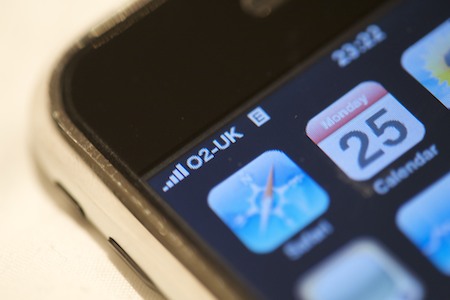

My iPhone has been acting up a bit recently - every now and again it’d drop signal and need a reboot to fix. Annoying, especially since my house is on the market and I regularly get calls from agents wanting to book viewings - which means I needed to be paying attention to it at work to reboot it if needed.In the past couple of days it’s started saying “No SIM Card Installed”.
It came to a head this afternoon at the generic supermarket-that’s-marketed-by-a-ponce, when I slapped it in earnest so hard that Tim thought I’d damaged it. The fix, I’ve read, is to apply tape to the SIM card to push it closer to the contacts within the phone to get a better contact. Since I’ve been wanting to play with my new macro lens for some time, I thought I’d document the process.
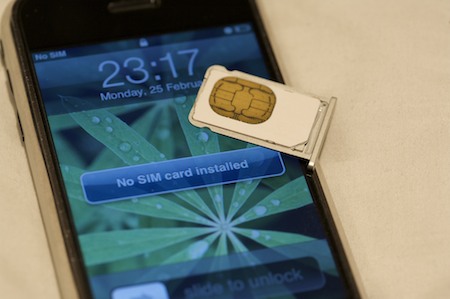
Step 1 Remove the SIM card from the iPhone, and blur the SIM ID from the card so pikeys don’t steal your internets.
Step 2 Apply two or three layers of thin masking tap to the back of the SIM card.
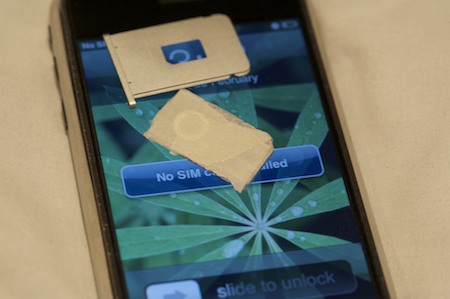
Step 3 Reassemble.
Step 4 Revel in all the signal you have!